How to Clean a Fan: A Safe Guide for Every Style
Learn how to clean a fan safely, from unplugging and dusting to removing blades, cleaning parts, and preventing buildup at home.
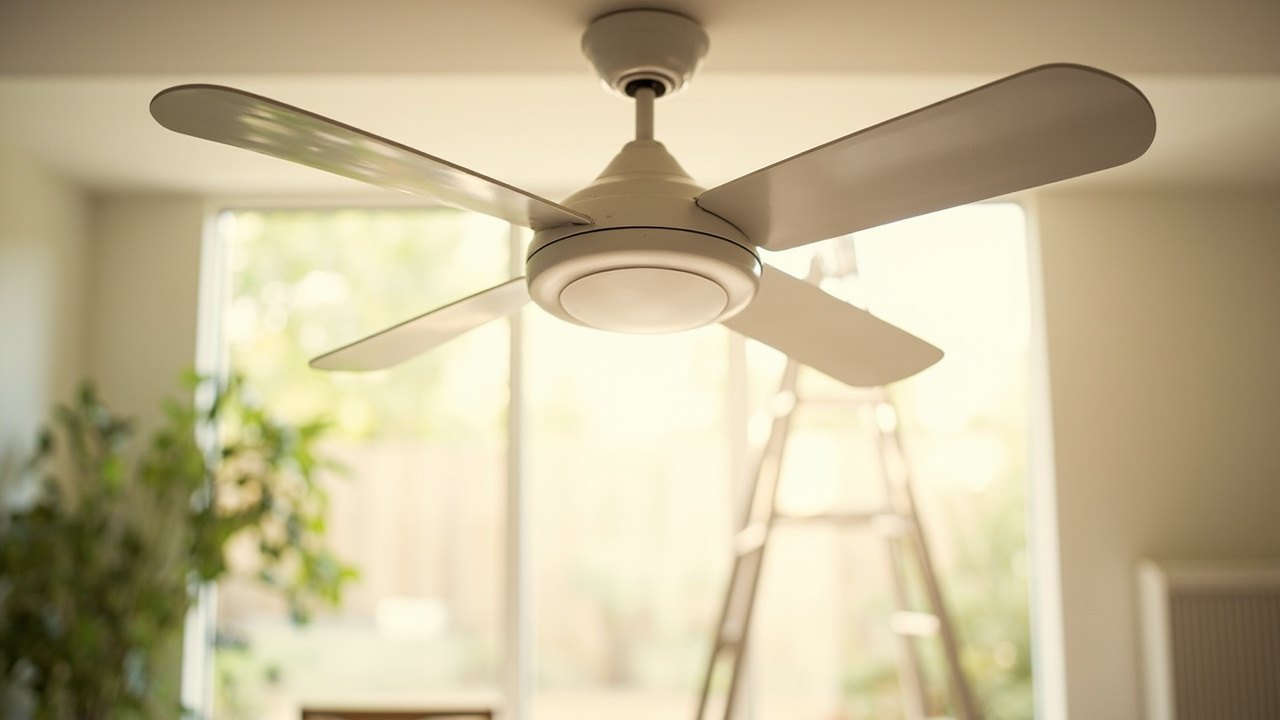
To clean a fan safely, unplug it, let the blades stop, and use a soft brush or cloth to remove dust from the housing and blades. Check the manual before removing any parts, clean each section according to its design, reassemble everything correctly, and restore power only when the fan is dry and secure.
The short version
- Unplug the fan and switch off any wall-mounted controller before cleaning.
- Use a soft brush or microfiber cloth for dust; avoid spraying cleaner directly onto the motor.
- Remove blades only if the manual permits, and support them carefully while wiping.
- Clean every few months, with more frequent attention in dusty rooms or homes with pets.
What kinds of fans can you clean?
Most household fans can be cleaned without special equipment, but the safest method depends on whether you have a box fan, pedestal fan, tower fan, or ceiling fan. The basic process is similar: disconnect the power, remove loose dust, clean accessible surfaces, and let the fan dry completely before using it again.
Box fans
Box fans collect dust on the front and rear grille, inside the housing, and around the blades. They are usually easy to wipe down, although the grille and blade assembly may require screws or clips to release. Keep the fan upright while cleaning so loose dust does not fall into the motor housing.
Pedestal fans
Pedestal fans often have a cage that can be removed, plus a tilting head and a knob or switch panel. Wipe the housing and grille separately, and check the underside of the base for dust. If the adjustment knob or controls are removable, clean around them gently without pushing moisture into the openings.
Tower fans
Tower fans have narrow vertical openings that can trap dust, so a soft brush may work better than a cloth. Some models draw air through a removable filter or grille. Do not pour water into the tower or use a wet cloth on the control panel unless the manual specifically allows it.
Ceiling fans
Ceiling fans need extra care because they are mounted overhead. Use a stable ladder, have someone steady it if possible, and never stand on a chair or countertop. Dust the top and underside of the motor housing, the light fixture, and each blade while supporting the weight of the blade.
How do you clean a fan safely?
You can clean a fan safely by taking power precautions, supporting removable parts, and using gentle methods that will not damage the finish or motor. Work slowly around blades and electrical openings, and never assume a switch turned off means the fan has no power.
- Turn off and unplug the fan. Switch it off at the controls and unplug it from the wall outlet. If it has a wall controller, turn the controller off as well. For a ceiling fan, use the wall switch and confirm the blades have stopped moving before reaching for a ladder.
- Read the manual. Check the manufacturer’s instructions for removable grilles, blades, filters, light kits, and cleaning recommendations. The manual may identify materials that should not be used or show the direction in which parts come apart.
- Place towels or a sheet beneath the fan. This catches dust and makes it easier to collect debris from the floor. For a ceiling fan, spread a drop cloth on the floor beneath the work area, but keep it away from the ladder.
- Remove the accessible parts. Depending on the design, take off the front or rear grille, blade screws, filter, or other pieces listed in the manual. Put each part on a towel so you do not lose small screws or mix up components from different sides.
- Remove loose dust first. Use a soft-bristled brush, a clean makeup brush, or a vacuum with a brush attachment held a short distance from the openings. A handheld vacuum is useful for grille dust, but check that it will not brush against the blades or pull them out of alignment.
- Wipe the surfaces. Dampen a microfiber cloth with plain water or a small amount of mild dish soap diluted in water, then wring it until it is barely damp. Wipe the housing, grille, base, and other non-electrical surfaces. Dry them with a clean cloth.
- Clean the blades carefully. Hold each blade by its mounting area and wipe along the broad surface with a soft cloth. Support the blade rather than letting its weight pull on the screw or motor shaft. Never bend a blade to reach a narrow spot.
- Keep liquid away from the motor and controls. Do not spray cleaner, polish, oil, or water directly onto a fan. Avoid soaking grilles, switch panels, cords, plugs, and light fittings unless the manual gives specific instructions.
- Reassemble and test. Replace every grille, filter, blade, screw, and cover exactly as it was removed. Plug the fan in only after the parts are dry, secure, and balanced. Turn it on briefly at its lowest speed, then stop the fan and check for rubbing, wobbling, or unusual noise.
Can you remove the blades to clean them?
Yes, you can often remove fan blades for a more thorough cleaning, but only when the manufacturer’s instructions permit it. Ceiling fan blades commonly attach with screws, while portable fans may have a grille and blade assembly that comes off as one piece.
- Mark each blade’s position before removal so you can replace it in the same orientation.
- Place a towel beneath the blades and keep one hand under each blade while loosening its screw.
- Hold a blade near the mounting hole rather than gripping the tip or edge.
- Clean both sides with a soft cloth, using only a barely damp cloth on painted or finished surfaces.
- Do not paint, stain, or coat blades unless the manufacturer approves that change.
If a blade scratches easily, has a damaged finish, or feels loose after cleaning, replace it rather than trying to conceal the damage. Check that the blade spins evenly and that no part touches the housing when the fan runs.
What do you need to clean a fan?
You need very little: a soft brush, clean microfiber cloths, mild soap, and a screwdriver that fits the fan’s screws. A small vacuum can collect dust from grilles, and a stable step stool helps with tall pedestal fans or low-hanging ceiling fans.
| Tool or supply | Best use | Important caution |
|---|---|---|
| Soft-bristled brush | Dust blades, vents, grille openings, and corners | Keep it away from moving parts and delicate finishes |
| Microfiber cloth | Wipe housing, blades, and other smooth surfaces | Use it barely damp, never dripping |
| Mild dish soap | Cut greasy dust from washable surfaces | Dilute it and avoid electrical openings |
| Vacuum brush | Collect loose dust from grilles and vents | Do not let the brush pull or bend blades |
| Correct screwdriver | Remove approved screws and panels | Use the manual’s method and retain every screw |
| Stable step stool | Reach tall or overhead fans | Set it on a level floor and follow load limits |
Skip chemical cleaners, compressed air, and metal tools unless the manufacturer specifically recommends them. Some compressed-air products can force dust deeper into the motor, while abrasive pads can scratch blades and reduce their finish.
How do you clean a ceiling fan?
To clean a ceiling fan, turn it off, use a stable ladder, and dust the blades and housing from top to bottom. Support every blade with one hand, and remove the light shade or diffuser only if the manual explains how.
- Turn off the wall switch and use the pull chain to confirm the blades have stopped. If the model has a wall controller, turn that off too.
- Set a ladder directly beneath the fan and protect the floor with a drop cloth.
- Use a soft brush to dust the top of the motor housing, the mounting area, and the light fixture.
- Wipe each blade with a lightly dampened cloth, holding the blade firmly near its bracket. Some blades have different finishes on each side, so clean them separately if needed.
- Remove the light diffuser if the manual allows it, and wipe the glass or plastic with a suitable soft cloth. Support the part so it does not drop.
- Let all parts dry, reassemble the light and blades, and test the fan at low speed. Stop immediately if you hear scraping or see the blades wobble.
Never let the cleaning cloth or a loose tool rest on top of a fan. If the fan is above a staircase, in a very high room, or fitted with a heavy light kit, consider hiring a qualified handyman rather than improvising with an unstable ladder.
How often should you clean a fan?
You should clean a fan about every three to six months, and sooner when you notice visible dust, reduced airflow, unusual noise, or a burning smell. The best schedule depends on the room: bedrooms and offices may need less attention than workshops, kitchens, and dusty renovation areas.
- Every three to six months: Wipe the housing, blades, and grille and check the motor vents.
- Every one to three months: Use a soft brush to remove dust from tower openings and ceiling fan blades.
- Whenever you notice buildup: Clean sooner if dust is visible around vents or the blades move less freely.
- After renovations or repairs: Remove accumulated dust before returning the fan to regular use.
Look at the fan more often if you have pets that shed, live near a busy road, or experience seasonal dust. A quick monthly wipe of the blades and a deeper cleaning at the start of each season can keep airflow steady and make the full cleaning easier.
How can you prevent dust from building up?
You can prevent dust buildup by keeping the fan’s surfaces dry, cleaning vents regularly, and placing the fan away from obvious dust sources. Small habits matter more than an elaborate cleaning routine.
- Place pedestal and tower fans where they do not sit directly beneath dusty shelves.
- Vacuum the room before cleaning the fan so settled dust is not disturbed twice.
- Use a soft brush on narrow tower vents every month.
- Leave enough space around the fan for air to move and for you to clean it.
- Cover stored fans with a breathable fabric or fitted cover.
- Follow the manual’s filter instructions if the fan has a removable filter.
Do not seal a fan in a plastic bag while it is operating or warm, because trapped heat and moisture can damage it. If a ceiling fan sits in a particularly dusty area, an annual light-bulb replacement and blade wipe can prevent grime from reaching the motor housing.
Common mistakes to avoid
- Cleaning while the fan is plugged in. Always disconnect power before removing any panel or reaching near the blades.
- Spraying liquid directly into the fan. Apply diluted cleaner to a cloth instead of misting the housing or motor.
- Using a wet cloth on electrical parts. Switch panels, cords, plugs, and light fittings need to stay dry.
- Pulling blades off by the tip. Support the mounting area so the weight does not damage the screw hole or shaft.
- Using the wrong screwdriver. A loose screw head can strip and make reassembly difficult.
- Bending blades or removing screws not covered by the manual. Balance and blade profile matter for safe operation.
- Standing on an unsafe surface. Use a proper ladder or step stool on a level floor.
- Running the fan before everything is dry and secure. Check for loose parts, rubbing, and wobble at low speed first.
Frequently asked questions
Can I use a damp cloth to clean fan blades?
Yes, if the blades are finished with a water-resistant coating and the manual does not prohibit damp cleaning. Wring the cloth thoroughly, support the blade, and wipe gently so moisture does not enter the mounting screw hole or motor housing.
Can I use compressed air to clean a fan?
You can use compressed air to dislodge dust in some models, but keep the can upright and use controlled bursts from a safe distance. Do not spin the blades with the air stream, and never force dust deeper into the motor by blasting openings at close range.
Do I need to clean the inside of a fan?
You should clean accessible interior surfaces, especially behind a removable grille or inside a tower fan, but you do not need to disassemble the motor. If the interior is sealed, simply remove dust from the openings and follow the manual for deeper service.
What if my fan starts making noise after cleaning?
Stop the fan and unplug it, then check that every blade, grille, screw, and cover is properly aligned. A blade may be installed backward, a screw may be loose, or the housing may be rubbing against the motor. Reassemble it according to the manual or seek service if the noise continues.
Start by checking your fan’s manual and identifying its type. Then unplug it, gather a soft brush and cloth, and complete the cleaning before the next time you turn it on.